
I’ve tried many code editors (or IDEs, if you want to be technical) over the years. From thonny on my raspberry pi to the full-blown JetBrains suite, I’ve dabbled in a variety of tools. But no matter how many alternatives I explore, I always find myself coming back to VS Code.
So, I thought it would be intresting to show off some of the alternatives I’ve tried, and why they didn’t quite stick for me.
JetBrains IDEs
Now, this might be a controversial choice, but I just can’t get into JetBrains’ suite of IDEs. They are powerful and feature-rich, but they often feel bloated and slow to me. The user interface can be overwhelming, and I find myself spending more time navigating the menus than actually coding. The UI is just a mess. The only thing I really use a Jetbrains IDE for is Android development, and even then, I prefer to use VS Code for most of my coding tasks, and then Android Studio for building and gradle syncs.
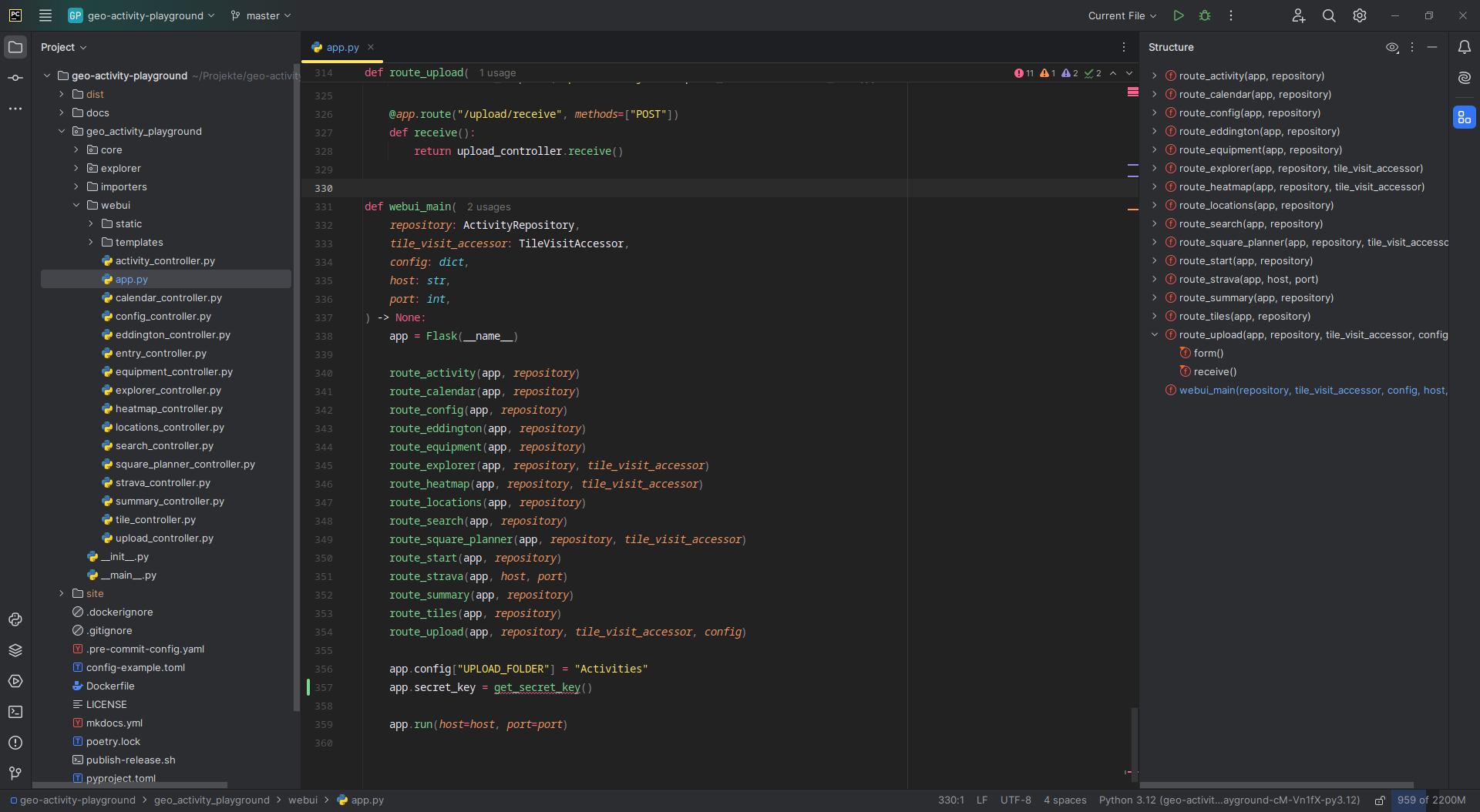
Also, I think I’ll give each IDE a rating at the end, and JetBrains gets a 3 out of 5.
 JetBrains IDEs
 VIM (and Neovim)
Ok, next, VIM. I know, I know, VIM is a classic and has a cult following. But for me, it just doesn’t click. The learning curve is steep, and I find myself constantly forgetting the keybindings. It’s like trying to learn a new language every time I open it up. I can see the appeal for some, but it’s just not my cup of tea(or coffee).
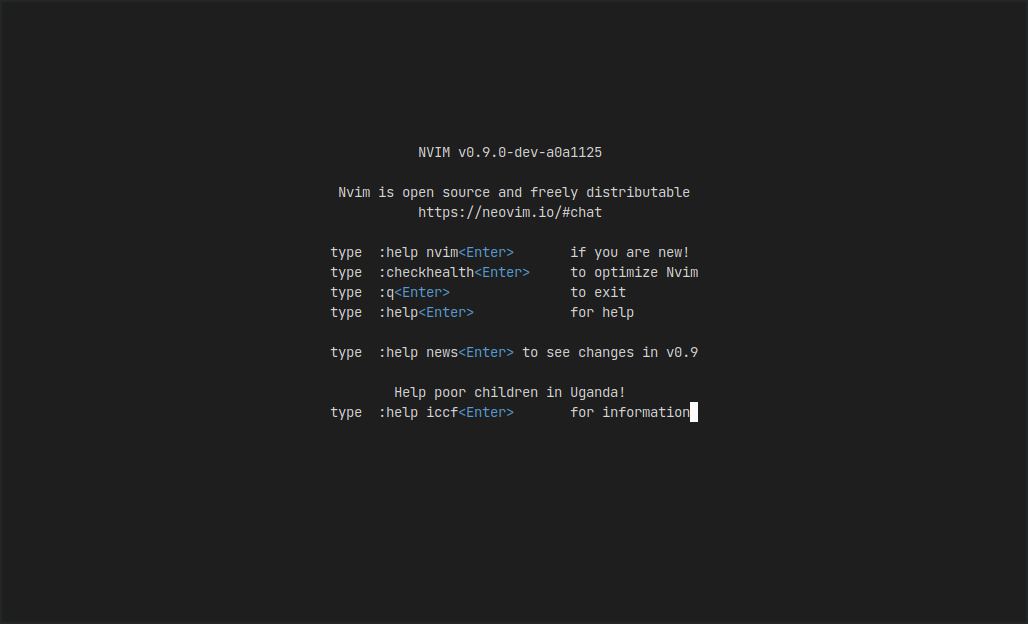
Neovim gets a 2 out of 5 from me.
 Neovim
 Kiro
Ok, yes I know Kiro is a reskined VSCode, but its still quite different. Its standout feature is obviously has the Kiro Agent, ran on every Claude model. The agent is really good, but they’re not very generous with credits.
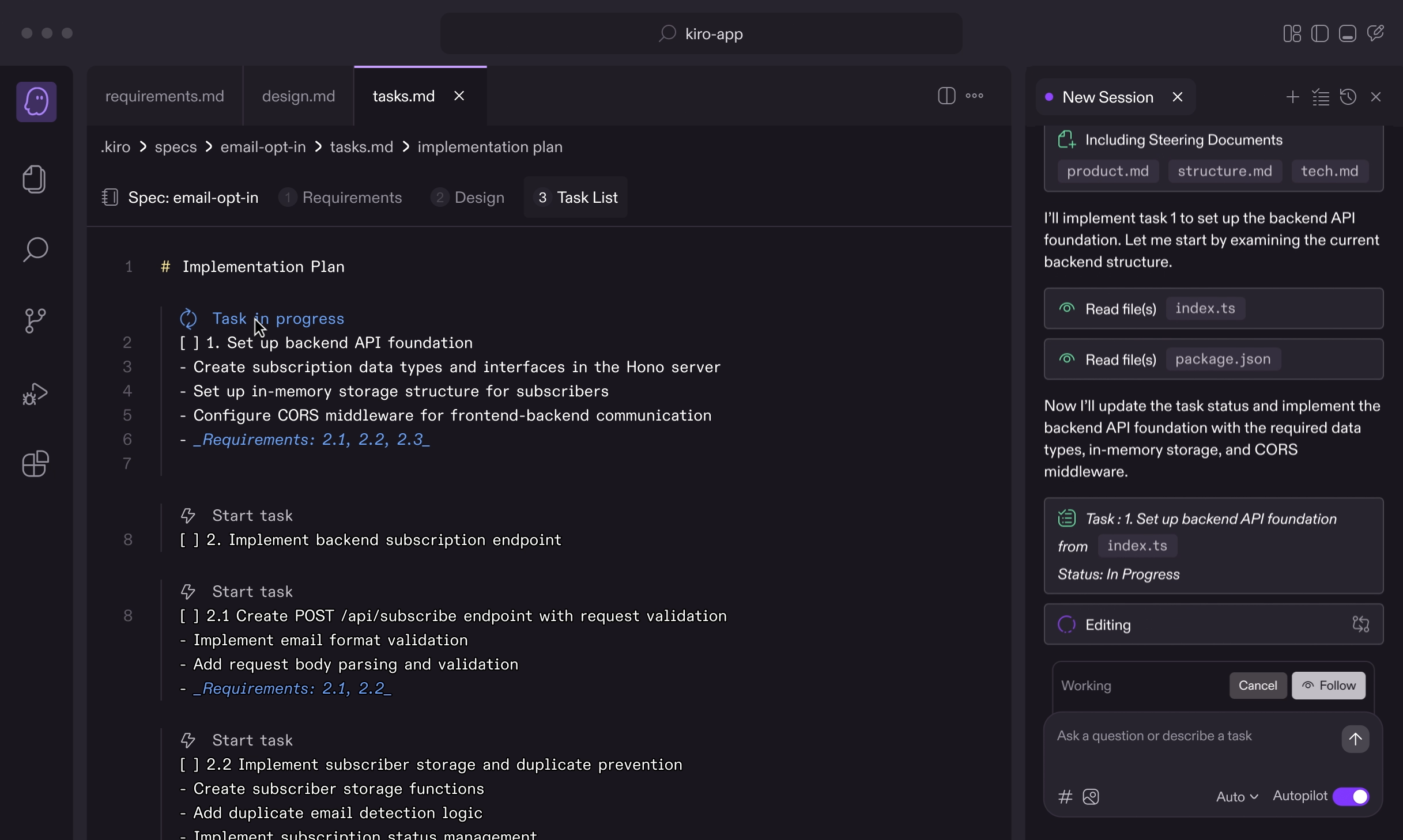
Kiro gets a 4 out of 5 from me.
 Kiro
Kiro Zed
Probably my favourite alternative to VS Code has to be zed. If I had to switch away from VS Code, I am definitely switching to Zed. It’s sleek, easy to use, and built on rust so its increadibly fast. The only thing that holds it back for me is the lack of extensions and customizability, but I have no doubt that will change as it matures.
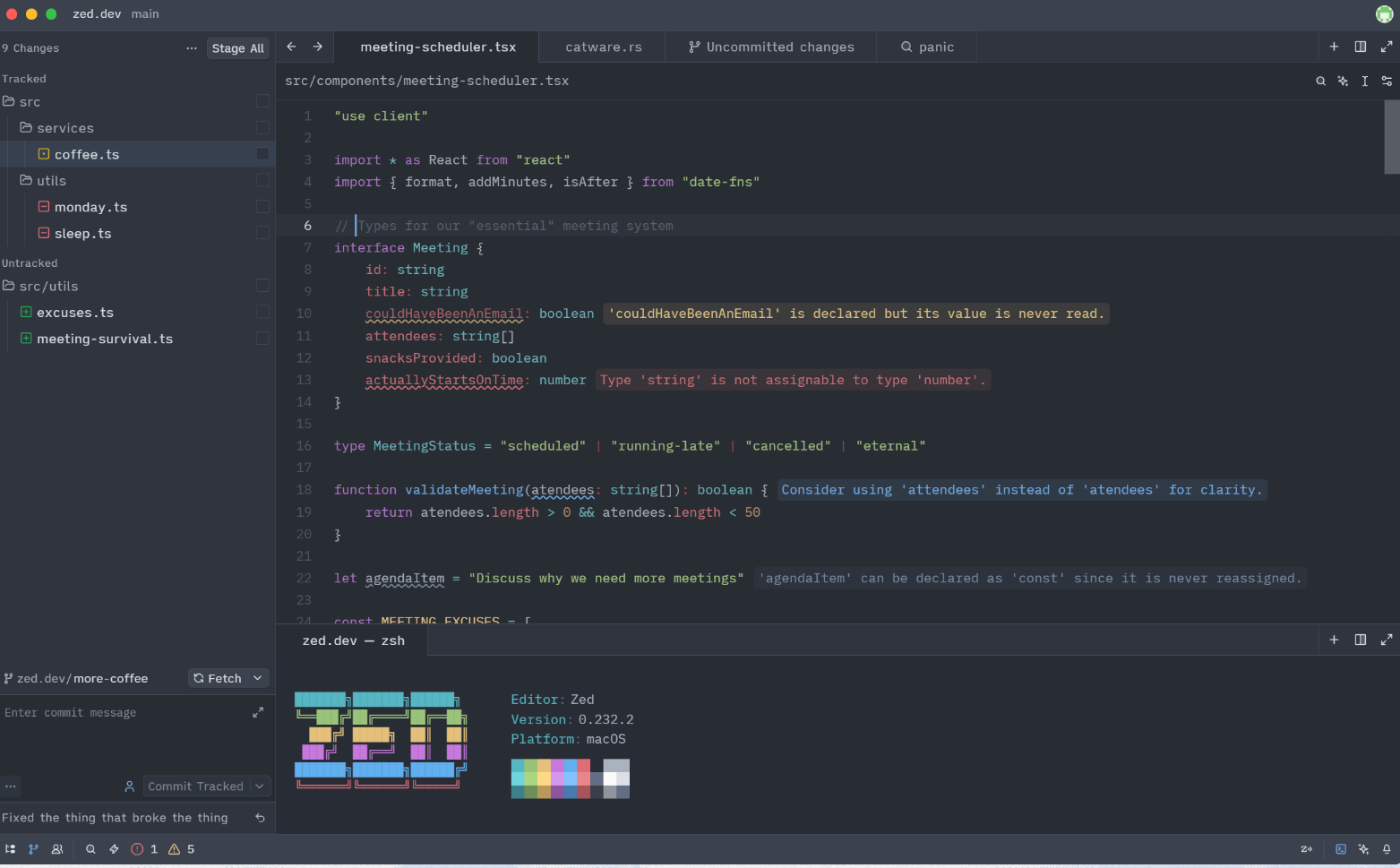
Zed gets a 5 out of 5 from me.
 Zed
Zed Conclusion
And there ya have it. While there are many great code editors and IDEs out there, VS Code is still my daily driver. I did go back to zed for a bit while writing this, but I just couldn’t stay away from VS Code for too long. It’s the perfect balance of features, performance, and customizability for me. But hey, if you prefer something else, that’s totally fine. Remeber, this is just my opinion. You might even see one of these and use it yourself!